FAQs
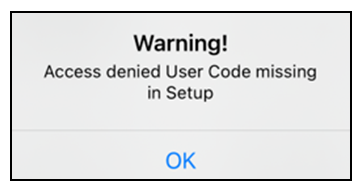
How do you resolve an "Access denied User Code missing in Setup" warning when attempting to arm your security system using the Gemini app?
1. In the Gemini App, tap the "hamburger" icon to open Settings: 
2. In Settings, select User and Manual Unlock Code Management.
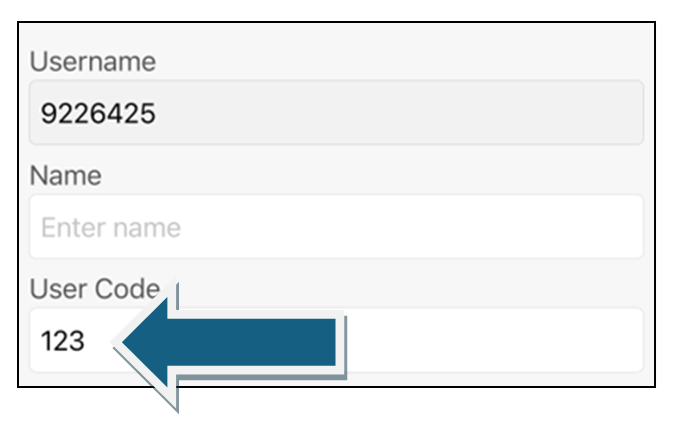
3. In the User Code field, add a valid control panel User Code for the communicator: