
FAQs
How do I add wireless devices using the FireLink Cloud Programming Website (www.firelinkpro.com)?
1. Select Zone Assignments.

2. Choose the zone and assign the Zone Type and Adv. Code.
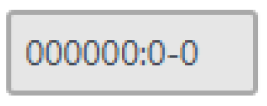
3. Select the field containing all 'zeros':
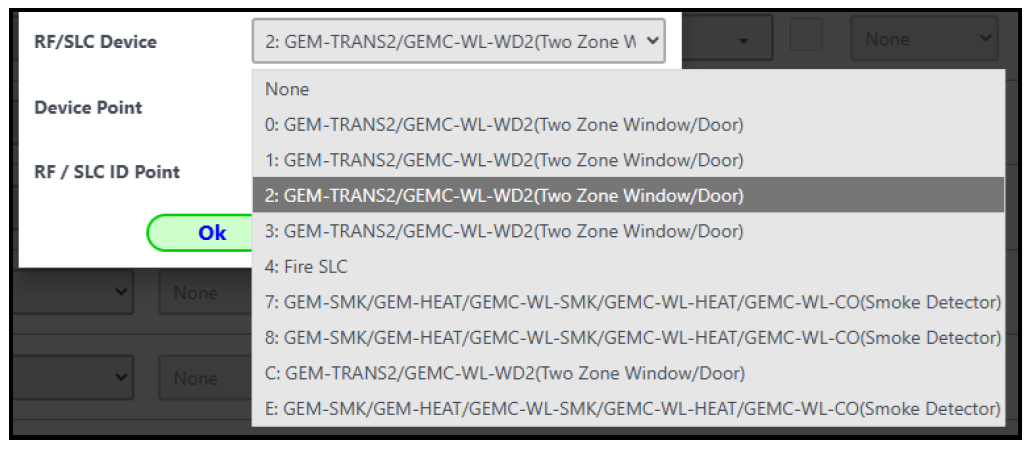
4. From the RF/SLC Device drop-down, select the correct device with the option corresponding to the first digit in the TxID number printed on the device sticker. For example: If a smoke detector with TxID 7E10FD:7-1, use option #7. Another example: A conventional heat detector with TxID 23A4A7:4, use option #2 (as shown in the following image):
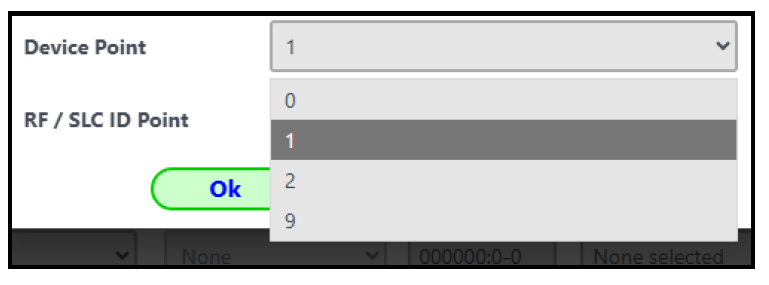
5. Select the Device Point:
6. In the RF / SLC ID Point field, type the TxID number exactly as it appears on the device label. Select Save.
