FAQs
How do I change the Lock ID Number of any lock in DL-Windows?
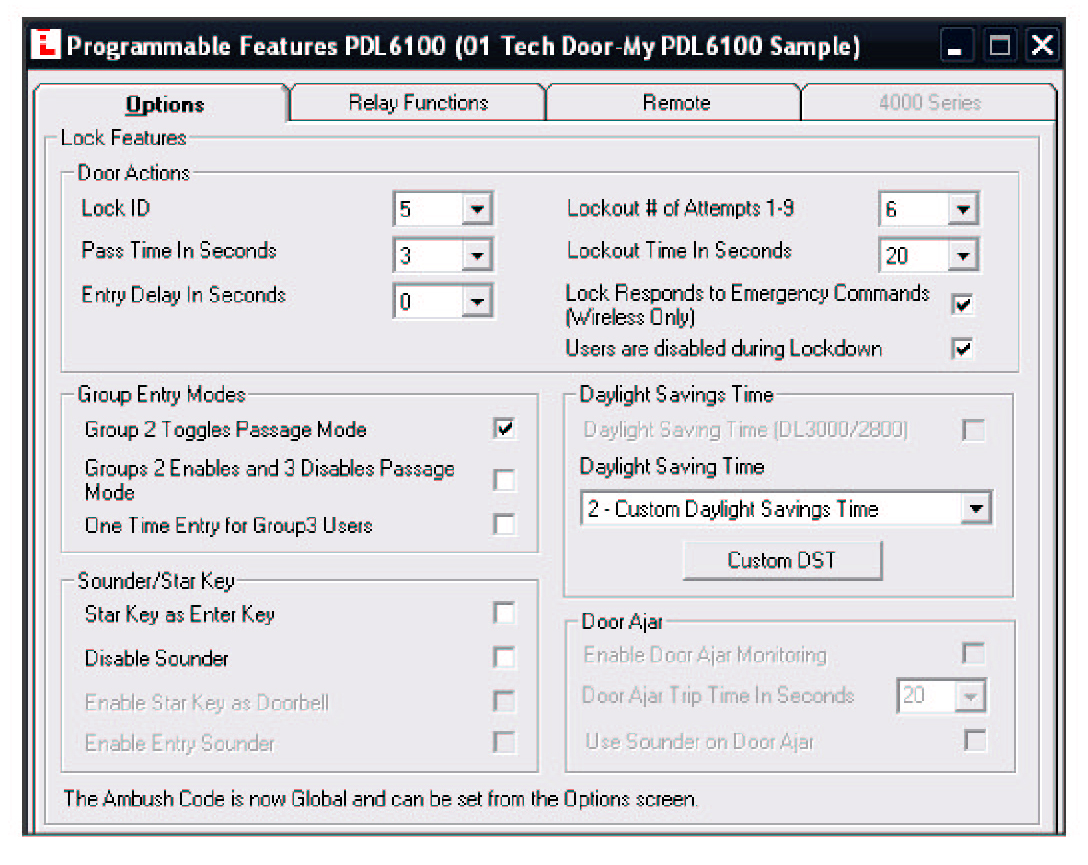
Open DL-Windows and select the account name from the list on the left side of the DL-Windows application window. Expand the lock list by clicking the "+" symbol next to the account name (or double-click the account name). Click to select the lock to be changed, then click the Feat (Features) button to open the Programmable Features screen. In the Options tab, the first item in the Door Actions area is the Lock ID pull-down box; click this to select any available ID number to assign to the selected lock.